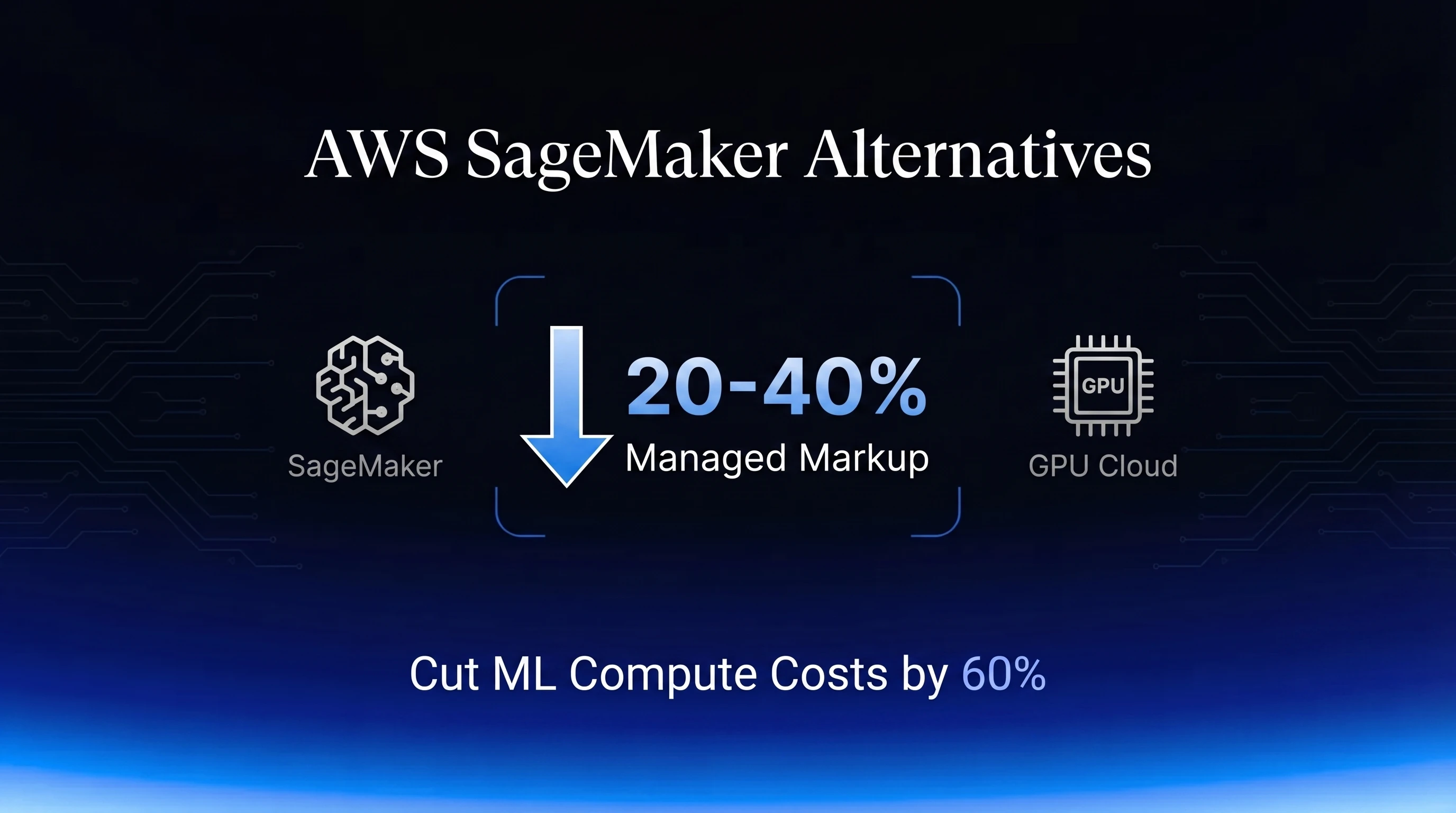
SageMaker's markup isn't a rumor teams swap in Slack. It's a documented 20-40% premium that AWS bakes into every ml. instance over the identical raw EC2 hardware underneath it, and on GPU instances specifically, that gap runs wider still. If your team is evaluating AWS SageMaker alternatives in 2026, the question isn't whether the markup is real. It's whether the convenience it buys you is still worth it at your current spend.
For teams under $10k/month, it usually is. Past that, the math stops working in AWS's favor, and this guide is the buying-guide layer for what comes next: exactly which SageMaker surface maps to which GPU cloud equivalent, and how to move a Training Job, a Studio notebook, a real-time endpoint, or a Pipelines DAG without turning your data science team into a DevOps team for a quarter. For the broader case on why teams are leaving hyperscalers at all, not just SageMaker, see our guide on migrating AI workloads off AWS, GCP, and Azure.
AWS SageMaker Alternatives 2026: Where the 20-40% Markup Actually Comes From
SageMaker's ml. prefix isn't cosmetic. Every ml. instance is the same underlying EC2 hardware wrapped in a managed layer AWS charges for separately, and that wrapper is priced consistently higher than provisioning the raw instance yourself.
The Premium, Instance by Instance (ml. vs Raw EC2)
The premium isn't a flat tax. It scales with how much orchestration the instance type actually needs, and GPU instances need more of it than general-purpose ones:
| Instance family | Raw EC2 on-demand | SageMaker ml. equivalent | Premium |
|---|---|---|---|
| m5.xlarge (general purpose) | ~$0.192/hr | ~$0.23/hr | ~20% |
| p3.2xlarge (V100, training) | ~$3.06/hr | ~$3.82/hr | ~25% |
| g4dn.xlarge (T4, inference) | ~$0.526/hr | ~$0.736/hr | ~40% |
| p4d.24xlarge (8x A100, training) | $21.96/hr | $37.69-$42.07/hr | ~72-92% |
The first three rows come from a detailed SageMaker pricing breakdown. The p4d.24xlarge row is worth calling out separately: EC2's own on-demand rate for p4d.24xlarge sits at $21.9576/hr as of 22 Aug 2026, while recent pricing roundups put the managed ml.p4d.24xlarge rate at $37.69-$42.07/hr. That's a 72-92% premium on identical 8x A100 hardware, well past the 20-40% figure that gets quoted for general-purpose and mid-tier GPU instances. GPU capacity is the instance class AWS has the least reason to discount, so the managed wrapper costs more precisely where your bill is already largest.
What the Markup Pays For, and What It Doesn't
The premium buys three things: OS patching, driver and CUDA version management, and the orchestration layer that wires together training jobs, model registries, and endpoints without you touching an EC2 console. For a two-person ML team with no platform engineer, that's a real trade. You're renting the sysadmin work along with the GPU.
What it doesn't buy is faster hardware, better GPUs, or priority capacity. The silicon under an ml.p4d.24xlarge job is the exact same A100 you'd get provisioning p4d.24xlarge directly. You're not paying for performance. You're paying so nobody on your team has to manage a driver update.
Hidden Costs That Stack on Top
The ml. premium is the cost you can see on a rate card. The costs we see blow up a monthly bill are the ones nobody's watching:
- Idle notebooks. SageMaker Studio notebooks left running over a weekend bill the full instance rate the entire time, whether or not anyone is typing in them. This is commonly enough of a problem that it has a name inside ML teams: zombie notebooks.
- Orphaned EBS volumes. When a notebook or training instance terminates, the attached EBS volume isn't always deleted with it, so storage keeps billing for data nobody is reading anymore.
- Always-on endpoints. This is the big one. Real-time SageMaker endpoints account for 70-80% of total SageMaker spend at teams that run them, because a GPU endpoint bills its minimum instance count 24/7 regardless of traffic, and a GPU instance can run 15-30x the hourly rate of the small CPU notebook a team started on.
None of these show up as a line item called "waste." They show up as a total that's higher than anyone modeled, which is usually the moment a team starts pricing GPU cloud alternatives. Our GPU cost optimization playbook covers the same idle-resource patterns in more depth if this is the piece of your bill you want to attack first.
In practice, teams notice this markup around a specific threshold. Once monthly AI/ML spend crosses roughly $10k-$20k, the managed-service premium stops being a rounding error and starts being a line item someone has to justify every quarter. That's usually when the migration conversation actually starts.
Mapping SageMaker Jobs, Endpoints, and Notebooks to GPU Cloud Equivalents
Every SageMaker surface has a direct GPU cloud equivalent. None of them require you to rebuild your model code, only to swap the wrapper around it.
Training Jobs to On-Demand and Spot GPU Instances
A SageMaker Training Job is a managed wrapper around a container that runs your training script. Strip the wrapper away and you have a Docker container that needs a GPU, which is exactly what an on-demand or spot GPU instance provides. Short, interruptible-tolerant runs move to spot for the deepest discount; long or checkpoint-sensitive runs stay on-demand until you've proven the workflow. For multi-node runs specifically, our distributed training guide for FSDP, DeepSpeed, and Megatron-Core covers the torchrun and NCCL setup that replaces SageMaker's built-in distributed training launcher.
Real-Time Inference Endpoints to Always-On GPU Deployments
SageMaker's real-time endpoints and a dedicated GPU cloud instance running a serving stack do the same job: hold a model in memory and answer requests with low latency. The difference is what you pay for the privilege. Since endpoints are where most SageMaker bills concentrate, this is usually the highest-leverage single migration on the list. Our on-premise vs GPU cloud break-even analysis has the utilization math for deciding between an always-on instance and other serving patterns once you're off SageMaker's minimum-instance-count model.
SageMaker Studio Notebooks to GPU Cloud Dev Environments
Studio notebooks are JupyterLab with SageMaker's kernel and IAM wiring underneath. A GPU cloud dev instance running JupyterLab is functionally the same environment, minus the managed billing minimums and plus the ability to shut it down completely when nobody's using it instead of paying a reduced-but-nonzero idle rate. The workflow habit that matters most here isn't technical, it's cultural: treat the instance as disposable and shut it down at the end of the day, the same discipline that prevents zombie notebooks in the first place.
SageMaker Pipelines to Portable Orchestration
Pipelines wires together your training, processing, and deployment steps with AWS's own scheduler, registry, and IAM. That convenience comes with per-step orchestration charges layered on top of compute, and lock-in to SageMaker's specific artifact and scaling formats. Once you've extracted the training logic in the step below, the natural replacement is a portable orchestrator you run yourself. Our MLOps pipeline orchestration guide covering Kubeflow, ZenML, and Metaflow walks through standing that up on GPU cloud compute, including which of the three is the lowest-friction path specifically for teams coming off SageMaker Pipelines.
A Step-by-Step Migration Without Retraining Data Scientists
The goal of this migration isn't a rewrite. It's separating the ordinary PyTorch or TensorFlow code your data scientists already wrote from the AWS-specific wrapper around it, which in most codebases is a smaller job than it sounds.
Step 1: Extract Training Logic Out of the Estimator Wrapper
A SageMaker Estimator call looks like this:
from sagemaker.pytorch import PyTorch

estimator = PyTorch(
    entry_point="train.py",
    role=role,
    instance_type="ml.p4d.24xlarge",
    instance_count=1,
    framework_version="2.5",
    hyperparameters={"epochs": 10, "lr": 1e-4},
)
estimator.fit({"train": s3_train_path})
train.py almost never contains anything SageMaker-specific. It's a standard training loop that reads hyperparameters from environment variables SageMaker injects (SM_CHANNEL_TRAIN, SM_MODEL_DIR, and similar). The migration work is replacing those environment variable reads with your own config, and replacing estimator.fit() with a direct docker run or torchrun invocation. The model code in between doesn't change.
Step 2: Containerize With a Pinned CUDA Base Image
SageMaker manages the container image for you. Off SageMaker, you own that image, which is a good thing: you control exactly which CUDA and driver version your training code runs against.
FROM nvidia/cuda:12.4.0-runtime-ubuntu22.04

RUN apt-get update && apt-get install -y python3 python3-pip

COPY requirements.txt /app/requirements.txt
RUN pip3 install -r /app/requirements.txt

COPY train.py /app/train.py
WORKDIR /app

ENV MODEL_PATH=/data/models
ENV DATASET_PATH=/data/datasets

CMD ["python3", "train.py"]
Pin exact package versions in requirements.txt, not ranges. SageMaker's managed images abstract away version drift; your own image needs to pin it explicitly so a rebuild six months from now doesn't silently break.
Step 3: Move Data Off S3 and Budget the One-Time Egress Fee
Your training data and checkpoints likely live in S3 today. You don't have to move them immediately, S3-compatible endpoints let you keep reading from S3 while running compute elsewhere, but if you're moving data to your new provider's storage, budget the egress cost up front. AWS charges $0.09/GB for the first 10TB/month of outbound transfer, so moving 10TB out costs $900, a one-time bill that's typically recouped within the first month of lower compute rates. Our breakdown of GPU cloud egress costs covers what you'll pay, often nothing, on the receiving end.
Step 4: Shadow-Test the New Endpoint Before Cutover
Before routing production traffic to a new GPU cloud endpoint, run it in shadow mode: mirror a copy of live requests to it without serving its responses, and compare outputs, latency, and error rates against the existing SageMaker endpoint over at least a few days of real traffic patterns. This catches CUDA version mismatches, tokenizer differences, and cold-start behavior that a single manual test won't surface. Don't skip this step for the sake of moving fast; a shadow-test window is cheap compared to a bad cutover on a customer-facing endpoint.
Step 5: Cut Over and Decommission the Old Endpoint
Once shadow traffic confirms parity, shift production traffic to the new endpoint and, critically, decommission the SageMaker one immediately rather than leaving it running "just in case." An always-on endpoint left live after cutover is exactly the kind of orphaned resource that drives the hidden-cost problem covered above, except now you're paying it twice: once on the new provider, once on the old one you forgot to turn off.
AWS SageMaker Alternatives 2026: Live Cost Comparison
The gap between SageMaker, raw EC2, and GPU cloud marketplaces is largest on GPU-class hardware, where the managed-service premium stacks on top of AWS's own GPU pricing rather than a cheap CPU rate:
| GPU | Where | Per-GPU on-demand |
|---|---|---|
| A100 80GB SXM4 | AWS EC2 (p4d.24xlarge, 8x A100) | ~$2.74/hr |
| A100 80GB SXM4 | AWS SageMaker (ml.p4d.24xlarge, 8x A100) | ~$4.71-$5.26/hr |
| A100 80GB | Spheron | $1.48/hr |
| H100 SXM5 | AWS EC2 (p5.48xlarge, 8x H100) | ~$6.88/hr |
| H100 | Spheron | $2.65/hr |
The pattern holds across both GPUs: compare SageMaker's managed A100 rate and raw EC2's A100 rate, which carries no managed-service layer at all, against Spheron's live on-demand rate in the table. The gap isn't just AWS's managed-service premium, it's also that a GPU cloud marketplace aggregating 5+ providers can route your workload to whichever data center has the cheapest available capacity right now, instead of pricing off a single hyperscaler's rate card. See our full GPU cloud pricing comparison for the same math across B200, H200, and the rest of the current GPU catalog.
Pricing fluctuates based on GPU availability. Spheron rates above are live as of 14 Oct 2026; other providers reflect their most recent published rates and may have changed. Check current GPU pricing → for live rates.
When SageMaker Still Beats the Alternatives
None of this makes SageMaker a bad product. It makes it a specific trade: convenience priced at a 20-40%+ premium, worth paying until the premium outweighs the convenience. That crossover point is usually spend, not workload complexity.
Below roughly $10k-$20k a month, or with no dedicated platform engineer on the team, the managed layer is often the right call. AWS also gives you two levers that soften the markup without requiring you to leave: SageMaker Managed Spot Training can cut training costs up to 90% versus on-demand rates if your training jobs checkpoint cleanly and can tolerate interruption, and SageMaker AI Savings Plans offer up to 64% off on-demand rates in exchange for a 1- or 3-year commitment, applying across Studio, Training, Processing, and Real-Time Inference in one plan.
SageMaker also still wins for teams deep in AWS-native tooling: Ground Truth labeling pipelines, tight IAM chains into other AWS services, or compliance requirements that specifically name AWS as the approved vendor. Migrating a model registered in SageMaker also carries real technical friction beyond pricing, its model.tar.gz and inference.py container packaging contract is SageMaker-specific, so budget time for that repackaging step regardless of which alternative you pick. If none of those apply and your bill has crossed the threshold where the markup outweighs the convenience, the migration path above gets you off it without a rewrite. For a wider framework on evaluating any GPU cloud provider, not just the SageMaker alternative decision, our AI GPU buyers guide covers hardware control, pricing transparency, and right-sizing in more depth.
If SageMaker's markup is the line item you're trying to cut, moving the training jobs and endpoints driving that bill to dedicated GPU capacity is usually the fastest way to see it drop.
Frequently Asked Questions
SageMaker's ml. instances run 20-40% above the equivalent raw EC2 instance on identical hardware, covering managed patching, driver updates, and orchestration. The gap widens on GPU hardware: one pricing roundup puts ml.p4d.24xlarge (8x A100) at $37.69-$42.07/hr against EC2's own p4d.24xlarge on-demand rate of $21.96/hr, a 72-92% premium.
Pull the training loop out of the SageMaker Estimator wrapper, since the PyTorch or TensorFlow code inside it is already portable. Containerize it with a pinned CUDA base image, point the data loaders at your new storage endpoint, and launch with docker run or torchrun instead of estimator.fit(). Most teams keep 90%+ of their model code unchanged.
Usually, and by a wide margin, because SageMaker endpoints bill the minimum instance count 24/7 regardless of traffic and typically account for 70-80% of a team's total SageMaker bill. Moving that same always-on GPU to a dedicated GPU cloud instance strips out the per-instance managed-service premium while keeping the same always-on availability.
Below roughly $10k-$20k a month in ML spend, or when you lack any platform engineering headcount, the managed convenience is usually worth the markup. SageMaker Managed Spot Training can also cut training costs up to 90% versus on-demand, and SageMaker AI Savings Plans offer up to 64% off in exchange for a 1- or 3-year commitment, both of which narrow the gap for teams that aren't ready to move.