vLLM
14 guides in this topicvLLM is the serving engine most self-hosted LLM deployments on Spheron run on, and this cluster is where the actual configuration lives: Docker commands, tensor-parallel setup, FP8 quantization flags, and the KV-cache tuning that separates a working deployment from a fast one.
Some posts here are model-specific (deploying Llama 4 Scout, Devstral, Magistral, or DeepSeek V3.2 Speciale with vLLM), and some cover vLLM's own architecture as it evolves: Model Runner V2's throughput gains, disaggregated serving with Mooncake's KV-cache transfer engine, or vLLM-Omni's split encoder, prefill, and decode pools for multimodal models. One post compares vLLM against Ollama directly for teams deciding whether they need a production serving engine at all or something simpler for local development.
The pillar guide, vLLM Production Deployment 2026, has the working multi-GPU tensor-parallel Docker command most of the other posts assume you already have, tested on Spheron H100 SXM5 with FP8 quantization and Prometheus monitoring wired in. Start there for the baseline setup, then branch into whichever model or serving pattern matches what you're deploying.
Start Here
All vLLM Guides
vLLM OOM Preemption Fix: gpu_memory_utilization & max_num_seqs (2026)
Sep 29, 2026
Deploy Mooncake on GPU Cloud: KVCache-Centric Disaggregated Serving for 3.8x Higher vLLM Throughput (2026 Guide)
Jul 4, 2026
Deploy vLLM-Omni on GPU Cloud: Fully Disaggregated Serving for Any-to-Any Multimodal Models (2026 Guide)
Jun 16, 2026
Deploy LMCache on GPU Cloud: Share KV Cache Across vLLM Nodes for 15x Higher Throughput (2026 Guide)
Jun 11, 2026
Deploy Magistral on GPU Cloud: Self-Host Mistral's Open-Source Reasoning Model with vLLM (2026 Setup Guide)
May 27, 2026
Deploy Devstral on GPU Cloud: Self-Host Mistral's Coding Model with vLLM (2026)
May 2, 2026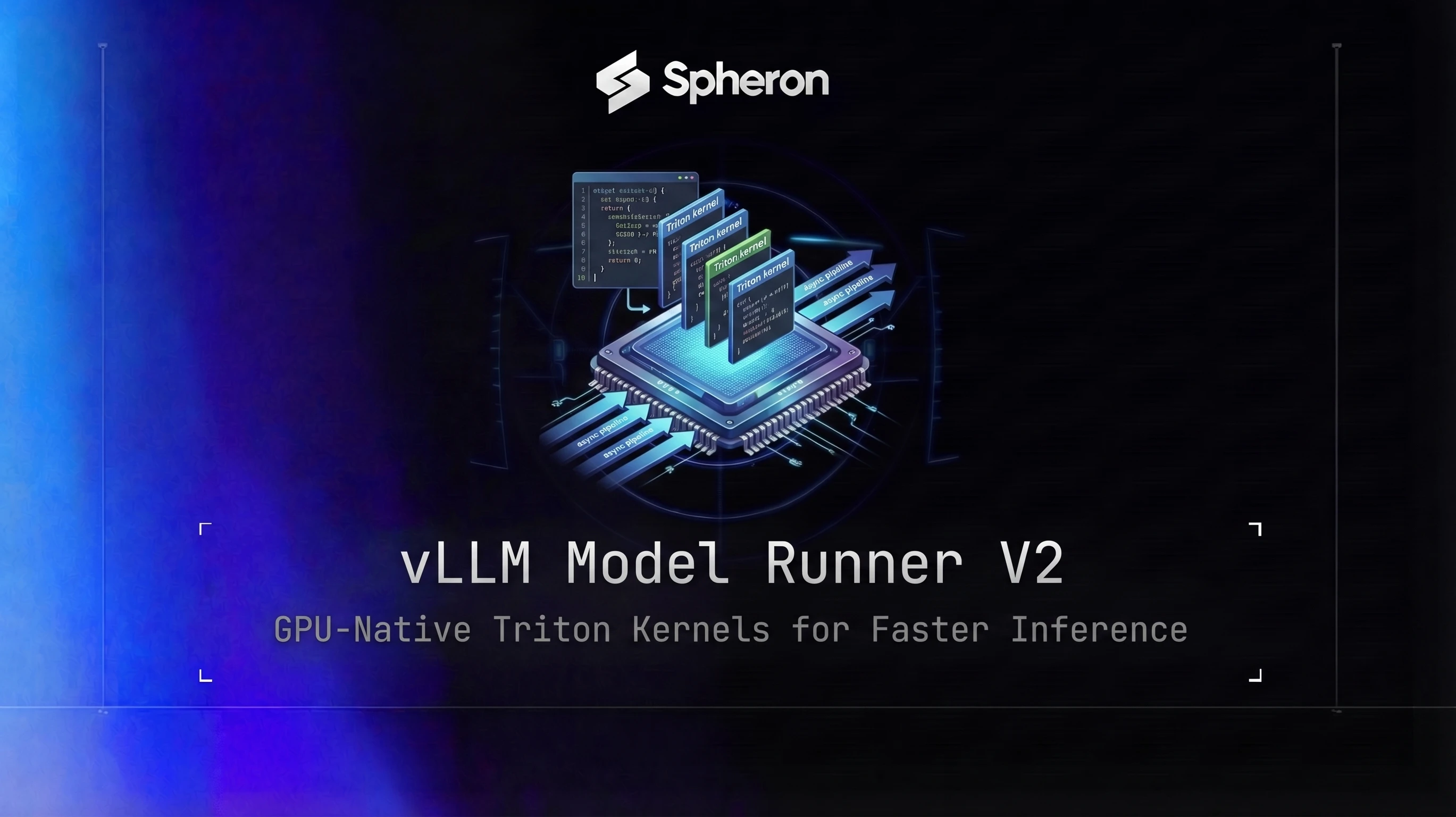
vLLM Model Runner V2 on GPU Cloud: Deploy MRV2 for Faster LLM Inference (2026)
Apr 13, 2026
Ollama vs vLLM: Local vs Production LLM Inference Compared (2026)
Mar 29, 2026
Build a Self-Hosted OpenAI-Compatible API with vLLM in 2026
Mar 25, 2026
Deploy DeepSeek V3.2 Speciale on GPU Cloud: Hardware Requirements and vLLM Setup Guide
Feb 21, 2026
Deploy Llama 4 Scout and Maverick on GPU Cloud: Complete Guide with vLLM
Feb 20, 2026Try It on Real GPUs
The GPUs behind these guides are the ones you can rent here: H100s, H200s, B200s, and more, billed per minute after a 20-minute minimum runtime, with no contracts. Pick one and you are live in under two minutes.
